What is print()?
The print() function is used to display something on the screen.
For example:
print("Hello World!")
# Output: Hello World!
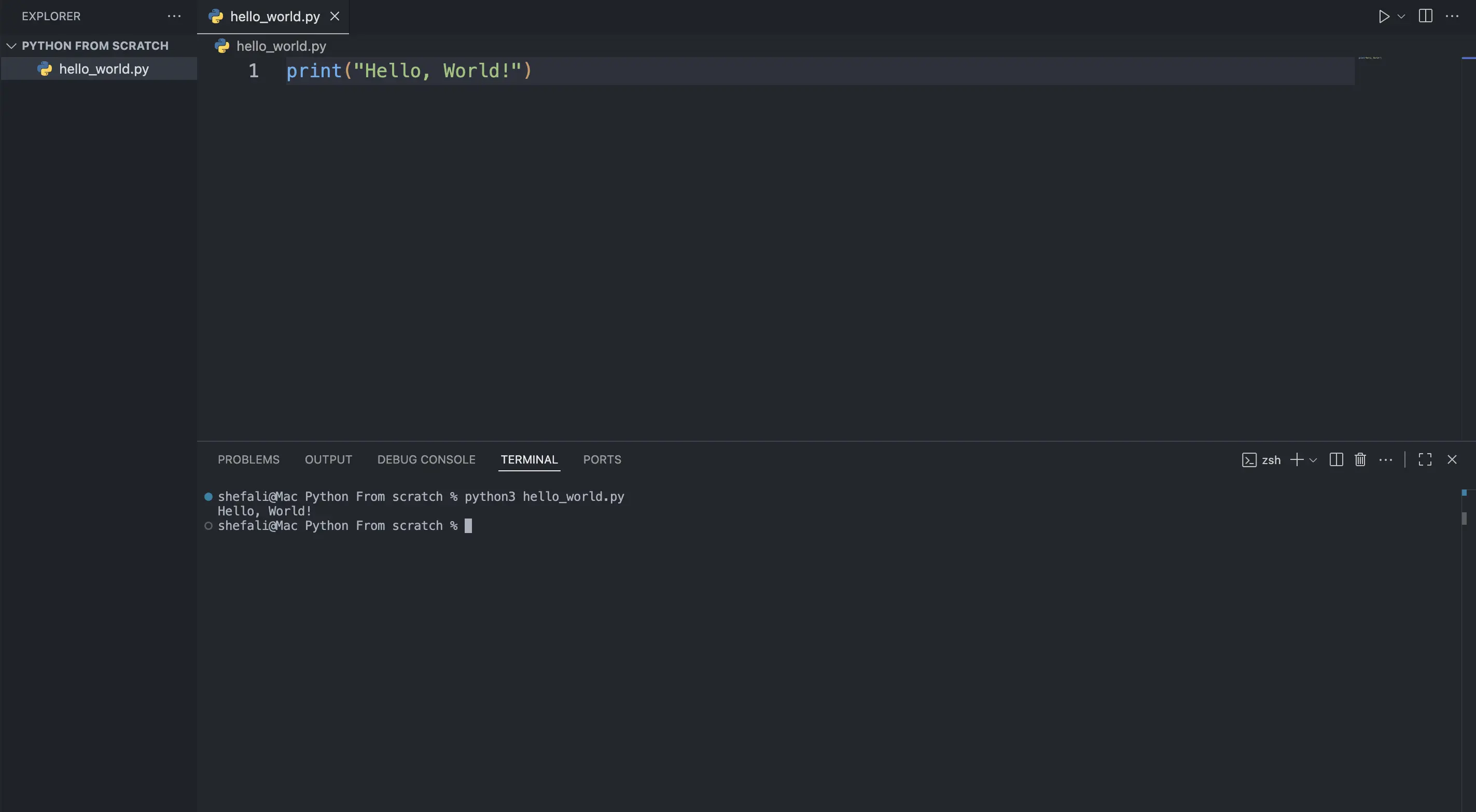
You can use print() to display text, numbers, or other values.
print("Hello")
print(42)
# Output:
Hello
42Python 2 vs Python 3
If you come across older Python code, you might see:
print "Hello"This was valid in Python 2.
In Python 3, print is a function, so we use parentheses:
print("Hello")Since we’re learning Python 3, you’ll always use print().
Using multiple values
You can pass multiple values to print():
print("Hello", "World")
# Output:
Hello WorldBy default, Python adds a space between the values.
You can change this using the sep parameter.
sep
sep tells Python what to put between multiple values.
print("Hello", "World", sep=", ")
# Output:
Hello, WorldThe default value of sep is a space.
end
By default, print() moves to a new line after displaying something.
print("Hello")
print("World")
# Output:
Hello
WorldYou can change this using the end parameter:
print("Hello", end=" ")
print("World")
# Output:
Hello WorldHere, instead of moving to a new line after Hello, Python adds a space.
One more thing to know
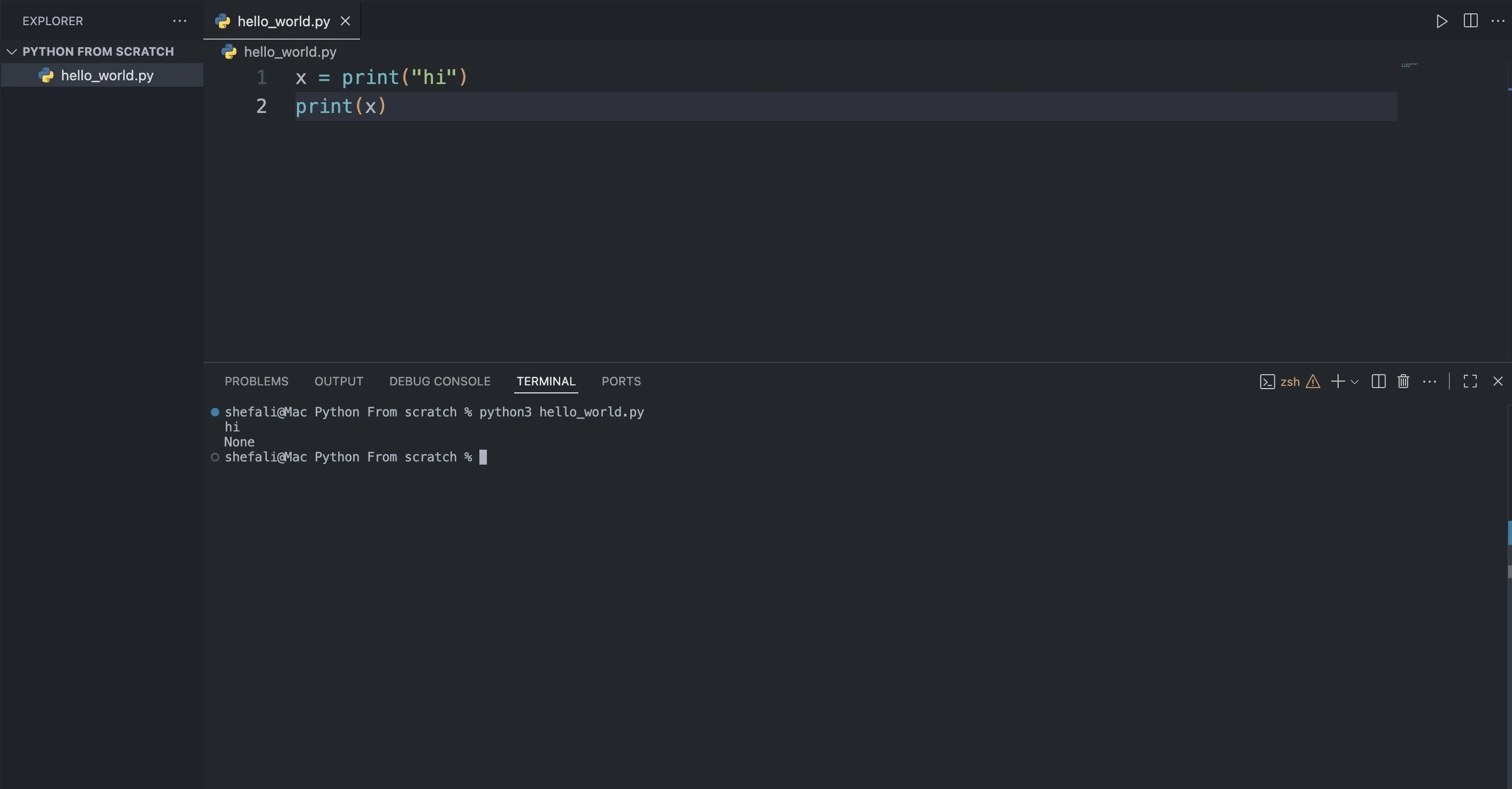
print() shows something on the screen, but it doesn’t give that value back.
For example:
x = print("hi")This will print hi, but x will not contain "hi".
x will contain None, which basically means “nothing.”
👉 Next tutorial: Python Escape Sequence Characters