If you want to write your code just to explain a block of code or to avoid the execution of a specific part of code while testing, then python comments comes in handy.
Single-line comment
To write a single-line comment just add a # at the start of the line.
# This is a single-line comment
print("Hello World!")
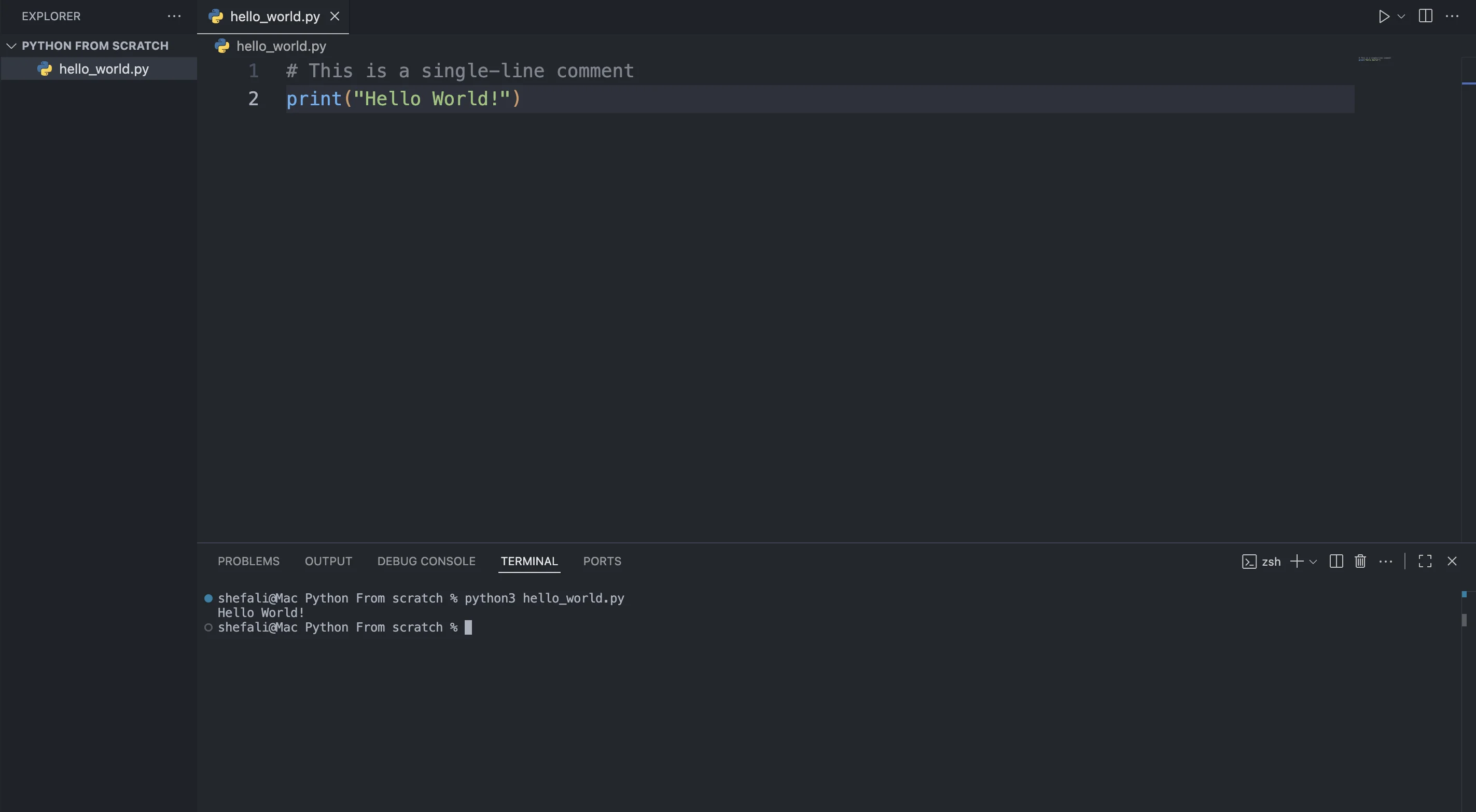
As you can see in the terminal, the line starting with # is ignored by the Python interpreter and not printed. It’s there only for understanding.
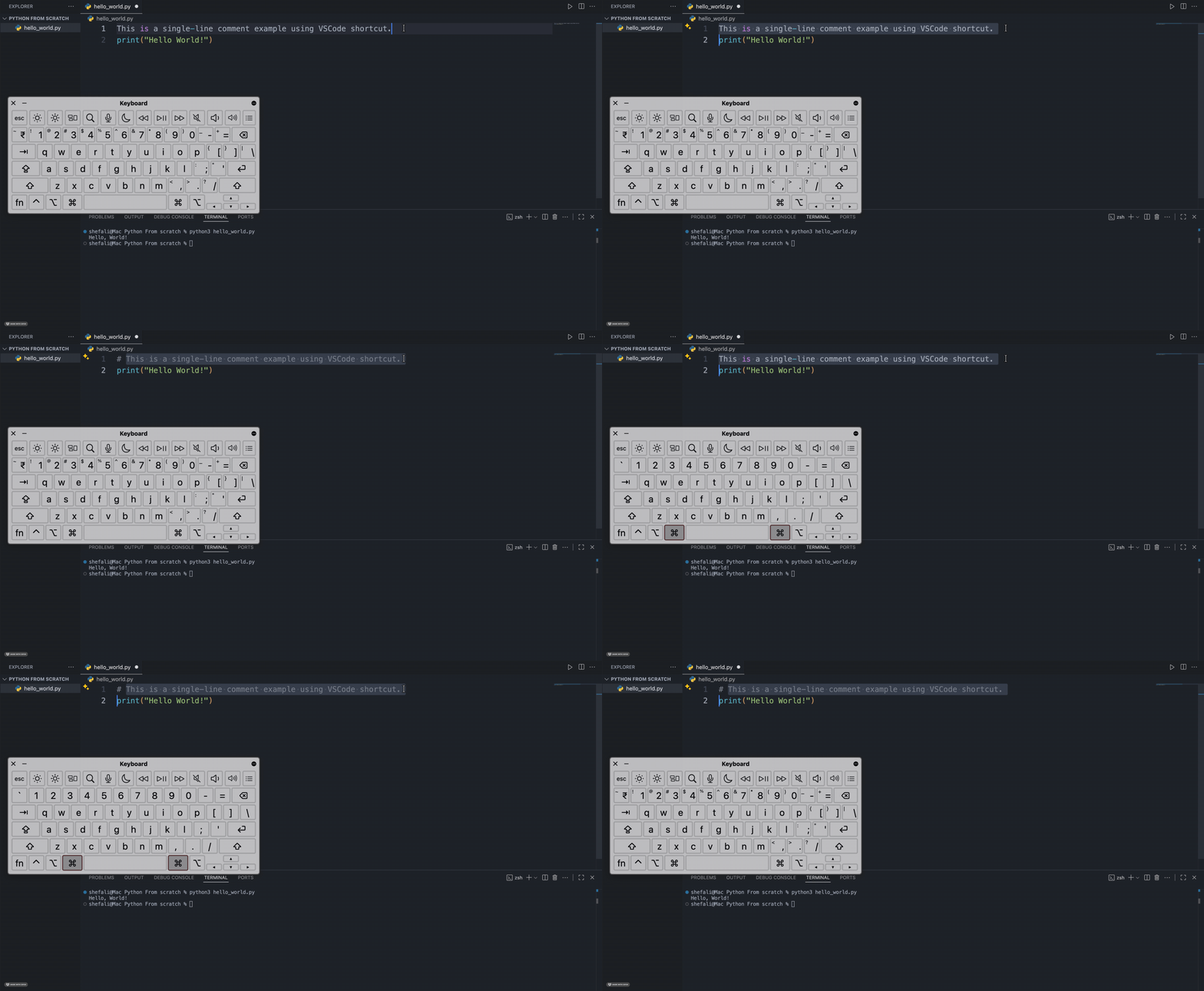
Tip: Most code editors, including VS Code, let you toggle a comment with a keyboard shortcut (Ctrl+/ on Windows/Linux, Cmd+/ on Mac).
Multi-Line Comment
In Python, there are two ways to write multi-line comments:
-
Using
#on each line:You can write comments over multiple lines by starting each line with the
#symbol.# This is a comment # that spans multiple # lines print("Hello, World!") -
Using a multi-line string (triple quotes):**
While multi-line strings (triple quotes:
"""or''') are typically used for docstrings (documentation strings), they can also be used to create multi-line comments, as Python will ignore them if they’re not assigned to a variable or used in any other way.""" This is a multi-line comment using a string. Python will ignore this string. """ print("Hello, World!")Note: This works, but it isn't a true comment. Python evaluates the string and throws it away. If you place a string like this as the very first line inside a function or class, Python treats it as a docstring instead, which serves a different purpose. Stick to
#for real comments.
Now, let’s look at some best practices to keep in mind while writing comments.
Best Practices for Comments
-
Use comments to explain "why" rather than "what":
Use comments to explain the reasoning behind your code, especially for more complex sections.
# Using a while loop because we need to repeat the task until the condition is met while counter < 10: counter += 1 -
Avoid over-commenting:
Don't add comments for every single line of code. Your code itself should be as readable as possible.
# Bad practice counter = 10 # Set counter to 10 result = counter * 2 # Multiply counter by 2Instead, just write clear code:
counter = 10 result = counter * 2 # This line is already clear -
Keep comments updated:
A comment that no longer matches the code is worse than no comment at all.
👉 Next tutorial: Python Print Function